

Want a QR code you can change after it’s already printed on packaging, flyers, restaurant menus or billboards? What you need is an editable QR code and also known as a dynamic QR code.
Unlike traditional static QR codes—where the destination URL is permanently embedded into a pattern—a dynamic QR code acts as a flexible redirect layer. This means you can be updating the destination page, downloadable files, contact informations or campaign URL anytime without changing the physical QR codes itself.
That single capability has transformed how modern businesses manage print marketing, product packaging, retail promotions and omnichannel advertising campaigns.
For example, imagine printing 50,000 brochures with a QR code linked to a seasonal landing page. If the offer changes or the page breaks, a static code becomes useless. With a dynamic setup, you simply log into your dashboard and replace the destination instantly—no redesigns, no reprints and no wasted inventory.

What Is an Editable QR Code?
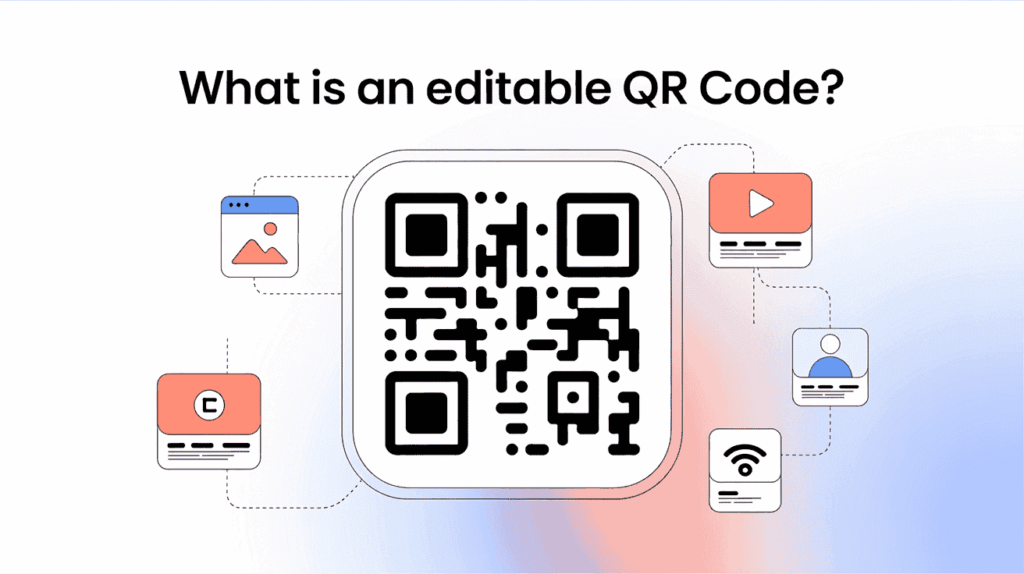
An editable QR codes, also known as a dynamic QR code, QR codes is whose destination can be changed anytime—even after it has been printed on packaging, menus, brochures or billboards.
Unlike a static QR code, which permanently stores a fixed URL inside the code itself, a dynamic QR code uses a short redirect link managed through a dashboard. This means businesses can update the destination page, PDF, menu, contact information or campaign link without reprinting the QR code.
For example, a restaurant can update its digital menu or a retail brand can switch a promotional landing page mid-campaign while keeping the same printed QR code active.
Modern QR code generators also provide:
- scan analytics,
- location tracking,
- branded short URLs,
- and campaign optimization tools.
For businesses, editable QR codes reduce reprint costs, improve flexibility and make offline marketing campaigns easier to manage in real time.
Why Businesses Need QR Codes That Can Be Updated Without Reprinting
Printing thousands of brochures, menus, product boxes, banners or business cards with the wrong QR code can become an expensive mistake overnight. That’s why modern businesses now prefer editable QR codes over static ones.
A traditional static QR code permanently locks the destination URL inside the code. If your website changes, a campaign expires or a landing page breaks, the printed materials instantly become outdated.
A dynamic QR code solves this problem by allowing you to and update the destination anytime without changing the printed QR codes itself.
Common Business Problems Editable QR Codes Solve:
| Problem | Static QR Code | Dynamic QR Code |
|---|---|---|
| Landing page URL changes | Requires reprint | Update instantly |
| Seasonal promotions expire | QR becomes useless | Redirect to new offer |
| Menu or PDF updates | Replace printed materials | Edit digitally |
| Campaign tracking needed | No analytics | Full scan tracking |
Using a QR codes generator with dynamic editing and analytics is no longer a luxury—it is essential for scalable offline-to-online marketing.
Static vs Dynamic QR Codes: Understanding the Real Technical Difference
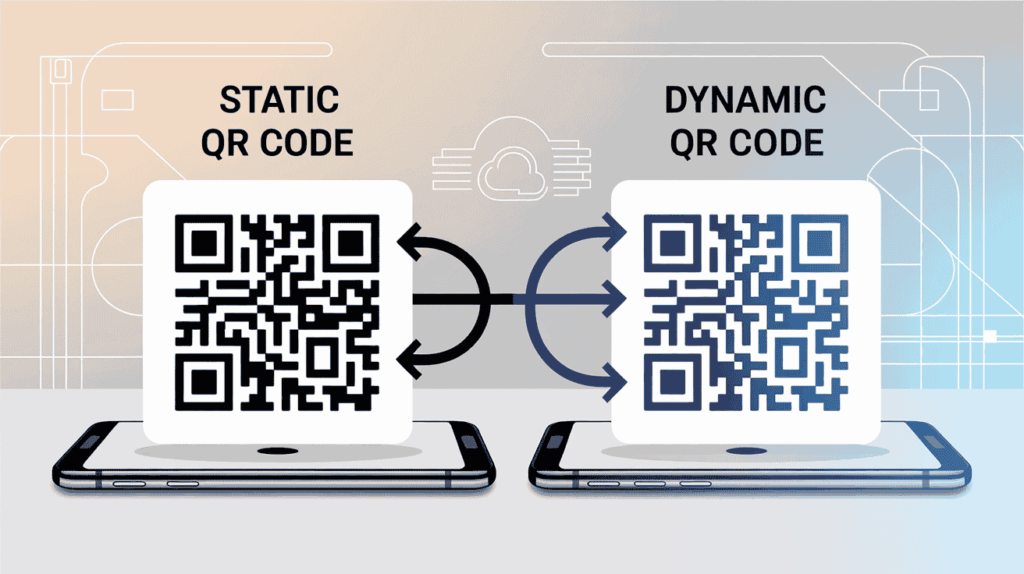
At the first glance, static and dynamic QR codes look identical. Both scan instantly using a smartphone camera and direct users to digital content. However, from a technical and business perspective, they function is very different.
Understanding the difference between static vs dynamic QR codes is critical before printing marketing materials, product packaging, menus or advertisements at scale.
How Static QR Codes Works:
A static QR code permanently stores the final destination data directly inside the QR patterns itself.
That means, the URL, contact information, WiFi credentials and text data is physically encoded into the square matrix.
Once generated, the information can’t be edited.
If the destination is change later, the QR code becomes unusable and must be replaced entirely.
How Dynamic QR Codes Works:
A dynamic QR code works differently. Instead of storing the final URLs directly and it contains a short redirect link managed by a QR codes generator platform.
When scanned:
- The QR codes is opens the redirect URL.
- The server processes the request.
- The user is forwarded to the current destination.
Because the redirect is cloud server managed, businesses can: update links anytime, tracks scans, change campaigns and monitor analytics without reprinting.
How to Create an Editable QR Code in 4 Easy Steps
Creating an editable a QR code is a simple when you use a professional dynamic the QR code generator. Unlike static QR codes and dynamic versions is allow you to update the destination link anytime without any reprinting.
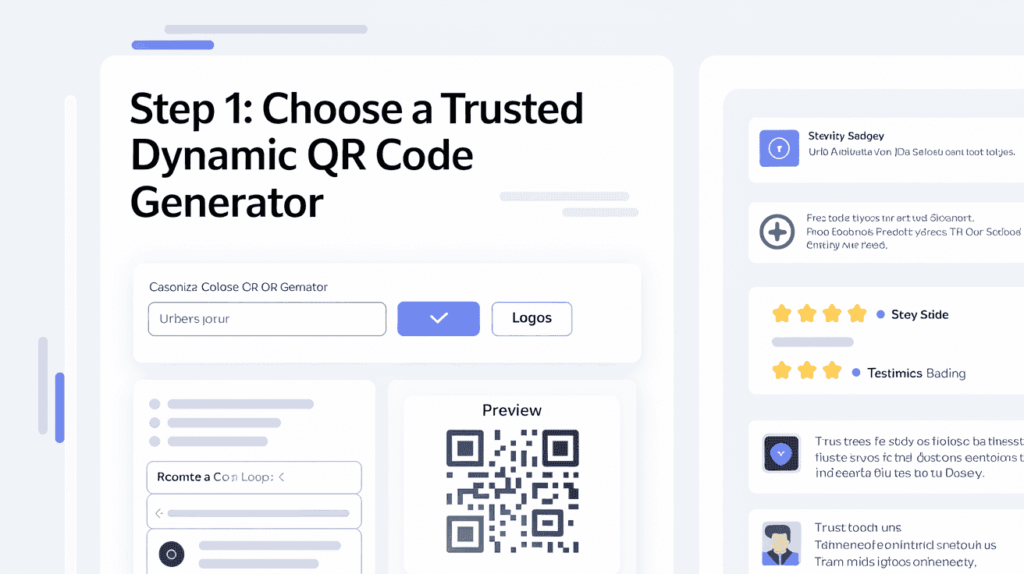
Step 1: Choose a Trusted the Dynamic QR Code Generator
The success of your editable QR codes campaign depends heavily on the platform you can choose. A reliable dynamic QR code generator should offer editable links, scan analytics, custom branding and high-quality SVG downloads for the print marketing.
Below are three popular business-grade QR platforms widely used for dynamic QR code management.
| Platform | Best For | Key Features |
|---|---|---|
| QR Code Dynamic | Simple editable QR campaigns | Dynamic URL editing, analytics, branded QR codes |
| Hovercode | Marketing & tracking | Editable QR codes, custom domains, analytics, bulk generation |
| ME-QR | Flexible QR content types | QR customization, statistics, PDF/menu QR support |
When selecting a provider and prioritize: dynamic QR editing, secure HTTPS redirects, vector exports (SVG/EPS) and long-term platform reliability.
Many businesses are fail by using free static QR generators that can’t be update links later. A trusted platform ensures your QR codes remain editable, trackable and scalable for the future campaigns.
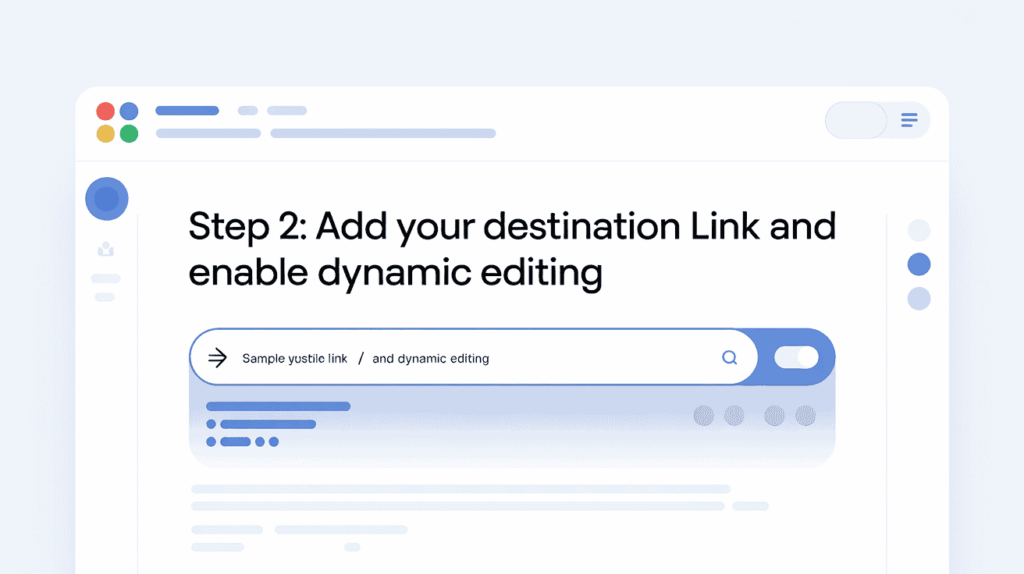
Step 2: Add Your Destination Link and Enable Dynamic Editing
After the choosing reliable the dynamic QR code generator and the next step is setting your initial destination URLs is correctly. This is the page users will reach of after scanning your editable QR code.
You can link QR codes to: landing pages, PDFs, restaurant menus, app downloads, product pages and contact forms.
The most important step is ensuring the QR codes type is set to the Dynamic or Editable before generating.
| Provider | Setup Process |
|---|---|
| QR Code Dynamic | Open the URL QR generator, paste your website link, choose “Dynamic QR,” then generate the code. |
| Hovercode | Create a new QR campaign, enter your destination URL, enable tracking, and save the dynamic redirect. |
| ME-QR | Select QR type, add your target link or file, activate dynamic settings, then customize the design. |
A properly configured editable QR code allows businesses to change campaigns later without reprinting brochures, packaging, menus, or marketing materials.
Step 3: Customize Your QR Code for Maximum Branding & Scan Performance
This is well-designed dynamic QR code improves both brand trust and scan rates. Modern the consumers are more likely to scan a professional-looking QR code than a generic black-and-white square.
Platforms like QR Code Dynamic, Hovercode and ME-QR allow businesses to customize QR codes while keeping them fully scannable.
| Provider | Customization Features |
|---|---|
| QR Code Dynamic | Add brand colors, logos, and CTA frames |
| Hovercode | Customize shapes, branded domains, and QR styles |
| ME-QR | Personalize patterns, gradients, and logo placement |
Pro Tip: Avoid excessive customization. Over designed the QR codes can reduce readability and hurt scan performance on printed packaging, banners, and marketing materials.
Step 4: Download Your QR Code in SVG and EPS Format for Professional Printing
Once your editable the QR code is fully customized and the final step is downloading in the correct file format. For the professional printing, always choose vector formats like a SVG and EPS instead of low resolution PNG files.
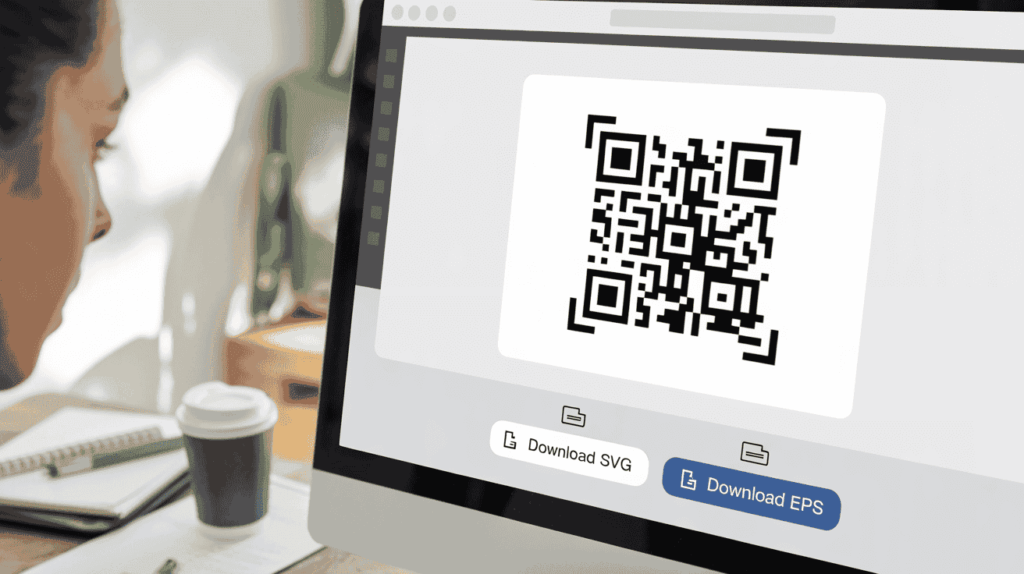
Vector QR codes are stay sharp and scannable at any size, making them ideal for:
- Product Packaging
- Restaurant Signage
- Billboards
- Brochures
- Banners
- Retail Displays
| Provider | Vector Download Options |
|---|---|
| QR Code Dynamic | Export QR codes in SVG for scalable print quality |
| Hovercode | Download SVG files with branding and tracking intact |
| ME-QR | Supports high-resolution SVG/EPS exports for commercial use |
The vector QR code files ensure your dynamic QR campaigns remain professional, reliable and highly scannable across every print format for using.
How to Change Your QR Code Link Later Without Reprinting:
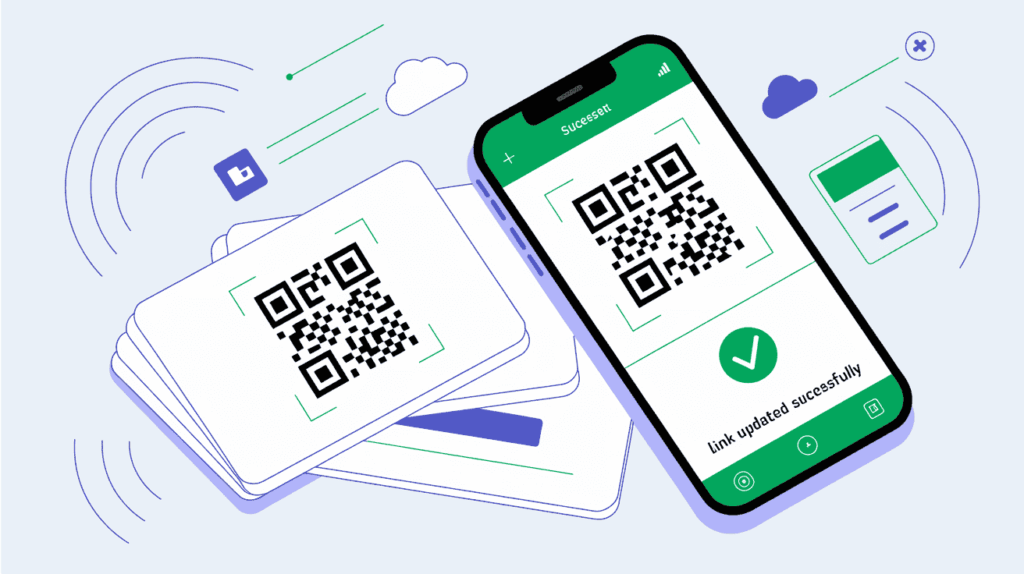
One of the biggest benefits of using a dynamic QR code is that you can update the destination URL anytime without changing the printed QR code itself. This is why businesses use editable QR codes for product packaging, restaurant menus, brochures, business cards, retail displays, and long-term marketing campaigns.
Unlike static QR codes, dynamic QR codes use a redirect-based system. The printed QR code stays permanent, while the destination link can be edited anytime from your dashboard.
Step-by-Step: Updating QR Codes on Popular Platforms
| Platform | Steps to Change the QR Code Link |
|---|---|
| QR Code Dynamic | 1. Log in to your dashboard. 2. Open your existing QR campaign. 3. Click “Edit URL”. 4. Replace the old destination link. 5. Save changes and test the QR code. |
| Hovercode | 1. Access your Hovercode account. 2. Select the dynamic QR code. 3. Update the landing page URL. 4. Publish the changes. 5. Track new scans from the analytics panel. |
| ME-QR | 1. Open the QR management section. 2. Choose your editable QR code. 3. Update the target link or file. 4. Save modifications. 5. Verify the new redirect using a smartphone scan. |
Using a reliable QR code generator with dynamic editing helps businesses avoid expensive reprints while keeping marketing campaigns flexible, trackable, and future-proof.
Frequently Asked Questions
Still have you questions about editable QR codes, dynamic QR code generators and how to update a QR code after printing? Below are the most common questions businesses, marketers, restaurants and ecommerce brands ask before launching dynamic QR code campaigns.
Using the right dynamic QR code strategy helps businesses reduce printing costs, improve campaign flexibility, and track real-world marketing performance more effectively. As QR technology continues to evolve, editable QR codes are becoming an essential tool for scalable offline-to-online marketing.
How do I edit a dynamic QR code?
Simply log into your QR code dashboard, open the QR campaign, replace the old destination URL with a new one, and save the changes. The printed QR code image remains exactly the same.
What happens if I use a static QR code?
A static QR code permanently stores the destination link inside the QR pattern. If the URL changes later, the QR code becomes unusable and must be replaced entirely.
Which QR code generator is best for editable QR codes?
Businesses commonly use:
- QR Code Dynamic for simple dynamic QR management,
- Hovercode for advanced tracking and branded domains,
- and ME-QR for flexible content types like PDFs and menus.
At Owrbit, we recommend choosing a platform based on your campaign scale, analytics needs, and long-term marketing goals.
Can I track scans on an editable QR code?
Yes. Most dynamic QR code platforms provide:
- scan analytics,
- device tracking,
- geographic data,
- and UTM campaign reporting.
This helps businesses measure real-world marketing ROI more accurately.
Why do businesses prefer dynamic QR codes?
Dynamic QR codes reduce printing costs, allow real-time campaign updates, and improve offline-to-online customer tracking. They are now considered essential for modern marketing campaigns.
What file format should I use for printing QR codes?
SVG and EPS are the best formats for professional printing because they maintain sharp quality at any size. PNG files are better suited for websites and digital use.
Do editable QR codes expire?
The QR code itself does not expire, but dynamic QR functionality depends on the provider’s active hosting service. Maintaining your subscription ensures uninterrupted QR redirection.
Can I change a QR code destination multiple times?
Yes. Dynamic QR codes can usually be edited unlimited times, making them ideal for seasonal campaigns, product updates, restaurant menus, and rotating promotions.
Discover more from Owrbit
Subscribe to get the latest posts sent to your email.