

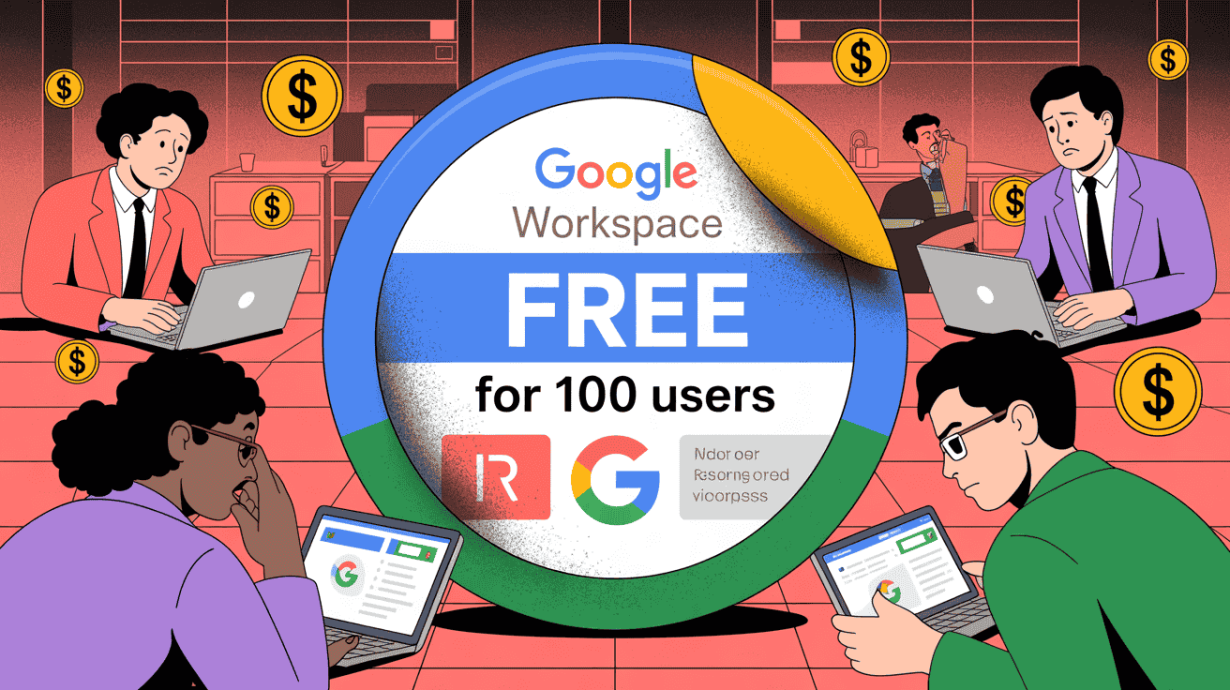
Google Workspace Free for 100 Users sounds like the perfect deal. Many people search for it hoping to get free business email for 100 users with Gmail and a custom domain. But once you sign up, the truth becomes obvious—there is no Gmail at all.
This confusion comes from Google Workspace Essentials Starter, which is often promoted as “free for 100 users.” What Google doesn’t clearly say is that this plan does not include email. You must already have email hosting from somewhere else just to use it. No inbox, no sending, no receiving.
That’s why so many people search for “Free Google Workspace” and feel disappointed minutes later.
In this guide, we’ll break down the myth behind Google Workspace Free for 100 Users, explain why Gmail is missing, show the common traps, and walk through the smartest fixes—clearly, honestly, and without clickbait.

What is Google Workspace Essentials Starter? (The “Free” Trap)
When people search for Google Workspace Free for 100 Users, they usually end up on something called Google Workspace Essentials Starter. On the surface, it looks like exactly what they want. Google clearly says it’s free and supports up to 100 users.
And yes—this part is technically true.
You can add up to 100 people without paying anything. That’s the promise that pulls everyone in.
But here’s the part Google doesn’t explain clearly, and this is where the trap begins.
The 100-user promise (what sounds good) :
Google Workspace Essentials Starter is free for:
- up to 100 users
- team tools like Docs, Sheets, Slides
- Google Drive storage (15 GB per user)
- Google Meet video calls
If you stop reading here, it sounds like free Google Workspace for a full team.
The identity catch (what breaks the deal) :
Essentials Starter does not give you email accounts.
There is no Gmail inbox.
There is no way to send or receive email inside Google Workspace.
Instead, Google asks you to sign up using your existing email address. That could be:
- an email from a cheap hosting provider
- Outlook or Microsoft email
- any third-party email service
Google Workspace Essentials Starter only connects to that email. It treats it as an identity, not a mailbox.
This means:
- Google is not hosting your business email
- you do not get name@yourcompany.com inboxes from Google
- you cannot manage email users from the Google admin panel
For anyone searching for free business email for 100 users, this is the exact moment things fall apart.
Checkout Owrbit vs CrainMail vs MxRoute: Best Email Hosting for your Business
3 Massive Cons No One Talks About (What You Only Discover After Signing Up)
On paper, Google Workspace Essentials Starter looks generous. But once you actually start using it, three serious problems show up fast—and these are rarely explained clearly before you sign up.

1. The “No-Gmail” Heartbreak: Why you can’t use the Gmail app with this plan
This is the moment most people feel misled.
When you sign up for Google Workspace Essentials Starter, you naturally expect Gmail to be included. After all, Gmail is what most people associate with Google Workspace. But with this plan, Gmail is completely missing.
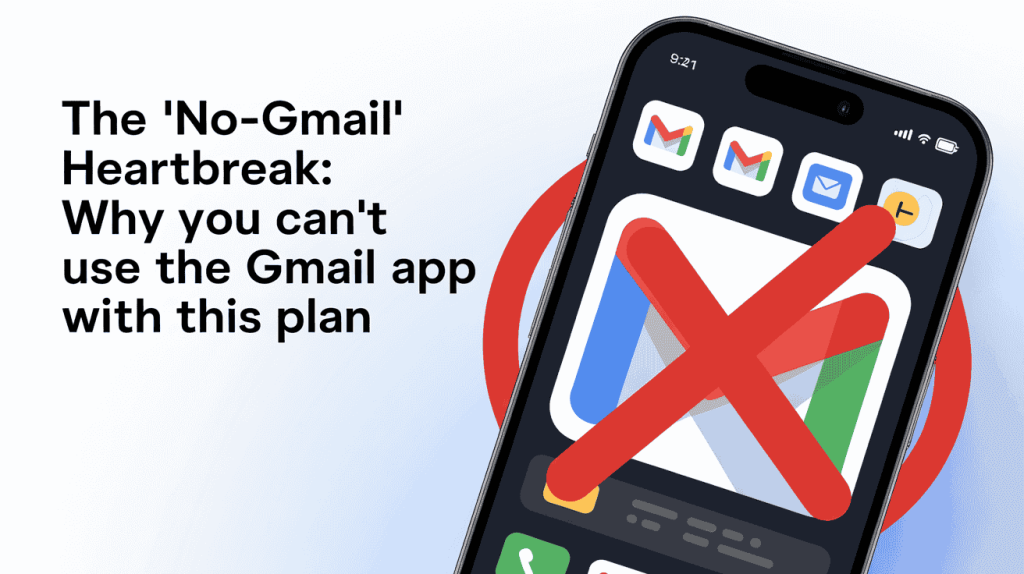
There is:
- no Gmail inbox
- no Gmail mobile app access
- no sending or receiving email inside Google Workspace
Google Workspace Essentials Starter is not an email service. It is an identity-based collaboration tool. Google asks you to log in using an existing email address from another provider and then layers Docs, Drive, and Meet on top of it.
This means Google is not hosting your mailbox at all.
So even though the plan is often discussed as Google Workspace Free for 100 Users, those users are not email users. They are simply accounts linked to emails you already pay for somewhere else.
For anyone searching for free business email for 100 users, this is the deal-breaker. Without Gmail, you lose:
- a unified inbox
- admin-controlled business email
- proper onboarding and offboarding
- the familiar Gmail interface teams rely on
That’s why so many people feel disappointed within minutes of signing up. The plan works for documents and meetings, but if email is your priority, this is not the solution you were promised.
2. Storage Fragmentation: Why 15GB “Per User” is worse than “Pooled Storage”
On paper, 15GB per user sounds reasonable. For a team of 100 people, that looks like plenty of space. But this is where Google Workspace Essentials Starter quietly falls apart.
In this plan, storage is not shared.
Each user gets a hard 15GB limit, and that limit cannot borrow space from anyone else on the team. This is called storage fragmentation, and it creates real problems very quickly.
If you are running a business that needs dedicated space without these arbitrary limits, checking out [Best Lifetime Windows VPS Hosting 2026 – No Monthly Fees] can offer more control than a locked-down free plan.

Here’s what actually happens in real teams:
- one or two people upload large files or videos
- they hit the 15GB limit fast
- uploads stop and Drive sync fails
- collaboration breaks for those users
Meanwhile, the rest of the team might be using almost no storage at all. It doesn’t matter. Their unused space cannot help the users who are stuck.
In paid Google Workspace plans, storage is pooled. If one person uses more and another uses less, everything balances out. In the free Essentials Starter plan, every user is locked to their own cap.
For anyone managing a team and searching for Google Workspace Free for 100 Users, this becomes a hidden cost. You either:
- start micromanaging storage for each user
- block large files completely
- or upgrade to a paid plan sooner than expected
This is why the 15GB “per user” promise sounds generous but works worse than pooled storage for real businesses and growing teams.
3. The “Unprofessional” Workaround: The struggle of using personal Gmail to reply to business emails
After realizing Gmail is missing, many people try to patch things together instead of paying right away. The most common fix is forwarding business emails to a personal @gmail.com account and replying from there.
Technically, it works. Professionally, it doesn’t.
When you use personal Gmail to reply to business emails, several problems show up fast:
- replies come from personal addresses instead of your company domain
- clients get confused about who they are talking to
- trust and brand image take a hit
- conversations are scattered across personal inboxes
There is also zero admin control. You can’t:
- manage mailboxes centrally
- revoke access when someone leaves
- enforce security or compliance rules
For small teams, this workaround feels messy. For teams close to 100 users, it becomes unmanageable.
This is why many searches for free business email for 100 users end in frustration. Forwarding tricks and personal Gmail replies may save money, but they break the basics of how professional business email should work.
At this point, most teams realize they need either a real workaround or a real alternative—something that actually delivers business email without pretending.
Comparison: Google Workspace vs. The Real Free Alternatives
At this point, it’s clear that Google Workspace Essentials Starter is not a real answer if your goal is free business email for 100 users. So let’s compare it honestly with the only alternatives people usually consider in 2026.
Below is a simple, no-marketing comparison to help you decide what actually works.
| Feature | Google Workspace Essentials Starter | Zoho Mail Free | Lark Suite Free |
|---|---|---|---|
| Free for large teams | Yes (up to 100 users) | Limited (usually up to 5 users) | Yes (large teams supported) |
| Custom domain email | ❌ No | ✅ Yes | ✅ Yes |
| Gmail-style inbox | ❌ No Gmail at all | ✅ Webmail | ✅ Full email client |
| Storage model | 15GB per user (not pooled) | Very limited | 200GB shared storage |
| Admin control | Limited | Basic | Full admin panel |
| Team chat & docs | ✅ Yes | Partial | ✅ Yes |
| Built for real teams | ❌ No | ❌ Small teams only | ✅ Yes |
Google Essentials Starter doesn’t meet those needs. Zoho’s free tier doesn’t scale. That’s why, in 2026, Lark Suite stands out as the only true free alternative for large teams.
The 2026 “Secret” Fix: Lark Suite (The Real Free Business Email for 100 Users)
If you’re tired of workarounds, missing Gmail, and half-solutions, this is the point where things finally make sense. In 2026, Lark Suite is the only platform that actually delivers what most people expect when they search for Google Workspace Free for 100 Users or free business email for 100 users.
No tricks. No forwarding hacks. No missing inbox.
Checkout Best Professional Corporate Email Hosting: Truly Unlimited Emails
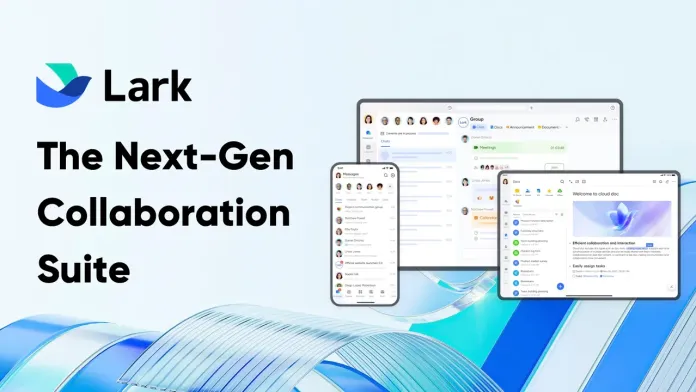
Why Lark is the only platform in 2026 giving a free email server to large teams
By 2026, most platforms have moved fully to per-user pricing. Email, storage, chat, and admin controls are all locked behind monthly fees. That’s why Lark Suite stands out so clearly.
Lark is the only platform that gives large teams a real email server for free, not a trial and not a stripped-down demo.
Every user gets:
- a real inbox with your custom domain
- the ability to send and receive emails normally
- full access through web and mobile apps
- central admin management
There is no requirement to bring your own email provider. Email is built in from the start.
This is the key difference from Google Workspace Essentials Starter. With Google’s free plan, email does not exist at all. With Lark, email is part of the core system.
For teams searching for free business email for 100 users, this matters more than anything else. You don’t need aliases, forwarding rules, or personal Gmail accounts. Each user is a real user with a real mailbox.
That’s why in 2026, Lark is not just an alternative—it’s the only platform that actually delivers what people expect when they hear “free business email for large teams.”
Storage & Features: 200GB shared storage and a built-in Slack-like messenger
One of the biggest reasons teams outgrow “free” tools is storage. That’s where Lark Suite feels different from day one.
Instead of locking each user to a small limit, Lark gives 200GB of shared storage for the entire team. This means:
- no per-user caps to micromanage
- no sudden lockouts when one person uploads large files
- storage is used where it’s actually needed
For teams close to 100 users, this alone removes a huge amount of friction.
Beyond email and storage, Lark includes a built-in team messenger that works very much like Slack:
- real-time chat for teams and departments
- private and group conversations
- file sharing directly inside chat
- searchable message history
Because chat, email, documents, and storage all live in one platform, teams don’t have to jump between tools or stitch systems together.
For anyone searching for Google Workspace Free for 100 Users, this is what they usually expect: one place for email, files, and team communication. In 2026, Lark is one of the very few platforms that actually delivers that experience without charging per user.
Why It Wins: No “hacks” required—it just works for 100 users
The biggest reason Lark Suite wins is simple: you don’t have to hack anything together.
With most “free” setups, teams end up juggling:
- email forwarding services
- personal Gmail accounts
- aliases pretending to be real users
- multiple dashboards with no central control
These setups might work on day one, but they break fast as the team grows.
With Lark, there is nothing to patch or fake:
- every user gets a real business email inbox
- all users are managed from one admin panel
- storage is shared and predictable
- chat, docs, and email are already connected
Onboarding a new user or removing access takes minutes, not workarounds.
For teams searching for free business email for 100 users, this is the key difference. Lark doesn’t feel like a free workaround. It feels like a complete system that was actually designed for teams at this scale.
That’s why in 2026, it “just works”—and why so many teams stop searching once they find it.
Frequently Asked Questions (FAQs)
Below are answers to the most common questions people ask about Google Workspace Free for 100 Users and free business email options in 2026.
Why does Google Workspace Essentials Starter not include Gmail?
Because it is an identity-based collaboration plan. Google Workspace Essentials Starter only connects to an existing email address. Google does not host your inbox, and you cannot send or receive emails using Gmail with this plan.
Can I get free business email for 100 users with Google?
No. Google has never offered a legitimate, long-term plan that provides free business email with custom domains for 100 users. Any claim suggesting this usually involves trials, aliases, or email forwarding tricks.
What happens if I sign up expecting Gmail?
Most users feel disappointed. After signup, they realize:
there is no Gmail inbox
the Gmail app cannot be used
email must be hosted elsewhere
This is the most common reason people abandon the plan.
Is Google Workspace Essentials Starter useful at all?
Yes, but only for:
shared documents
Google Drive
Google Meet
It is not suitable if email is a core requirement for your business or team.
Why is 15GB per user a problem in the free plan?
Because storage is not pooled. Each user has a hard 15GB limit. If one user hits the limit, their account stops syncing, even if other users have unused storage. This makes it difficult to manage large teams.
Are email forwarding hacks a good solution?
Not for real teams. Forwarding business emails to personal Gmail accounts causes:
unprofessional replies
brand trust issues
no admin control
security and compliance risks
These setups don’t scale well to 50 or 100 users.
What is the best free alternative to Google Workspace in 2026?
Lark Suite is currently the only platform that offers:
real business email with custom domains
support for large teams
shared storage
built-in chat and collaboration tools
All without per-user pricing.
Does Lark really offer free business email for 100 users?
Yes. Lark provides real inboxes for each user, admin control, and shared storage. There are no email forwarding hacks or missing features. Each user gets a proper business email address.
Should small businesses still consider Google Workspace?
Yes, if you need advanced Google-specific tools and are okay with paid plans. But if your main goal is free business email for 100 users, Google Workspace is not the right fit.
What does Owrbit recommend?
At Owrbit, we recommend:
avoiding misleading “free” claims
choosing tools based on real email needs
using platforms that don’t require hacks
For teams looking for a clean, professional, and free setup in 2026, Lark is currently the most practical option.
If your question isn’t listed here, the key takeaway is simple: Google does not offer free Gmail for large teams, and understanding this early can save you time, money, and frustration when choosing the right business email solution.
Conclusion: Is the “Free for 100 Users” Plan Worth It?
If you look only at the headline, Google Workspace Essentials Starter sounds like a great deal. It is technically free and supports up to 100 users. But once you understand the details, the answer becomes clear.
This plan is only worth using if:
- your team already has business email hosted elsewhere
- you only need Docs, Drive, and Meet
- email is not a priority at all
For these limited cases, Google Workspace Essentials Starter can work as a basic collaboration layer.
For everyone else, especially those searching for Google Workspace Free for 100 Users or free business email for 100 users, it falls short. There is no Gmail, no inbox, no pooled storage, and no clean way to manage email for a large team.
This is why most teams end up switching.
In 2026, Lark Suite makes more sense for growing teams. It gives what people actually expect:
- real business email with custom domains
- support for large teams without per-user pricing
- shared storage that scales better
- built-in chat and collaboration tools
The final verdict is simple:
Google Essentials Starter is free, but incomplete. If email matters to your business, switching to Lark is the smarter, cleaner, and more sustainable choice.
Discover more from Owrbit
Subscribe to get the latest posts sent to your email.